HUD v1.2.2
FSH TV HUD Broadcast - Paid Version
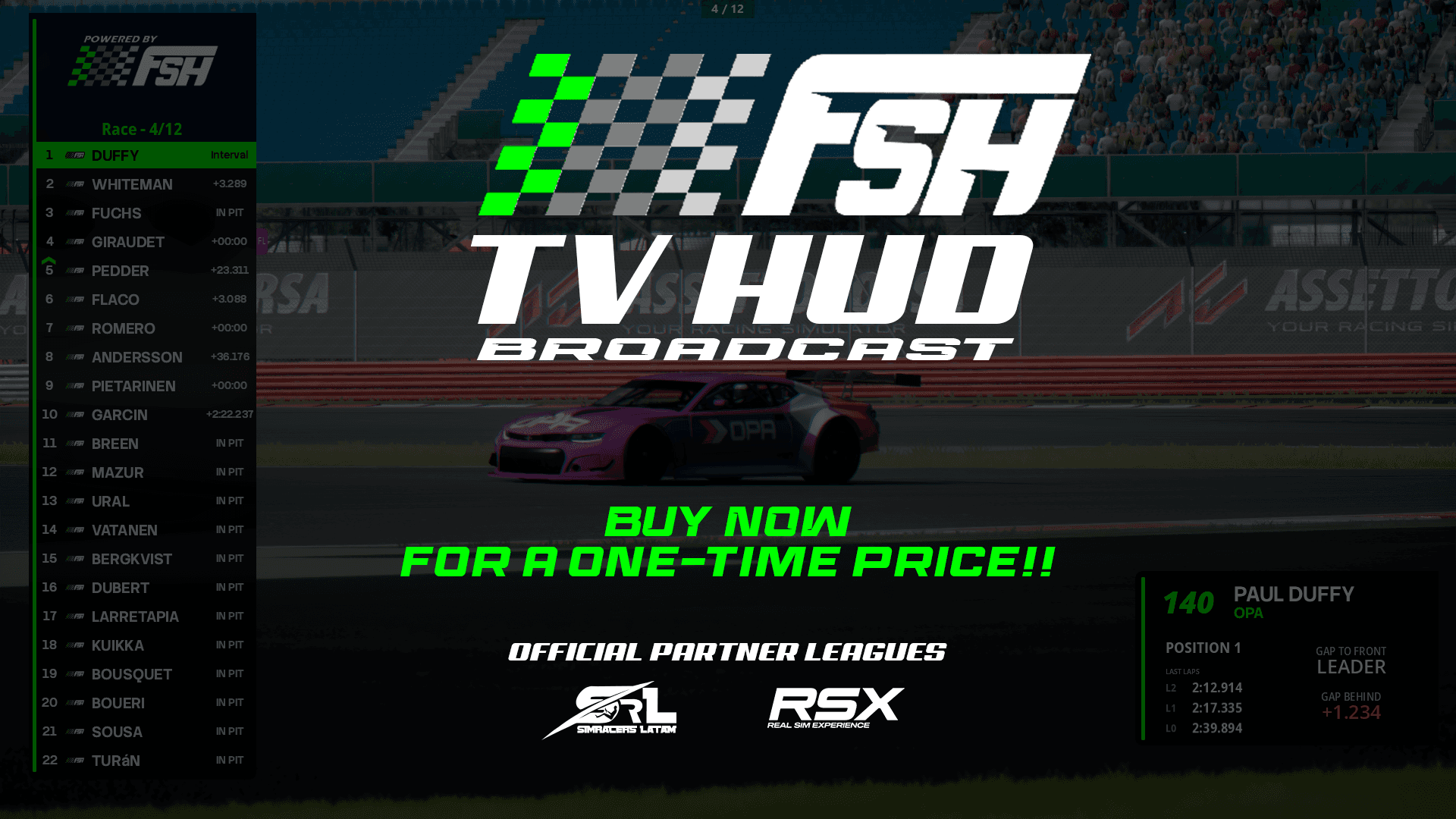
FSH TV HUD is a HUD designed for use by commentators and broadcasters in Assetto Corsa
$7.00USD
Secure Checkout
Payments are encrypted and processed securely. Instant delivery to your email and library.
About this HUD
FSH TV HUD uses a cleaner, more minimalist aesthetic.
Within the options, you can change both the accent color and the background color and transparency.The HUD contains 3 widgets
Leaderboard- Compact mode, Full mode and Current Tyres.- Change the accent colour and background colour.- Change the gap between the interval or the leader, it changes depending on the session in practice and qualifying, the difference shows the fastest lap or the gap to the best lap.- Highlight the driver in focus.- Display 10 sponsors at the top of the leaderboard (customisable). You can change the frequency and enable or disable the display of sponsors.- Change the automatic scroll and frequency to display more drivers (by default, the physical limit is 22 drivers maximum) from positions 16 to 22.ThirdLower- 4 different displays: Practice, Qualifying, Race, and Telemetry mode.- Activated dynamically depending on the session or can be controlled manually.- Telemetry mode is activated when the camera is in on-board mode or the default cockpit camera.- Displays driver data such as team name, driver name and race number- In practice mode, it shows the best time and the gap to the best time, as well as driver data.- In qualy mode, it shows the sectors by colour, as well as the current lap time and the driver's current position in the classification, in addition to driver data- In race mode, it shows the last 3 laps, as well as the gap to the driver in front and the driver behind, in addition to driver data.- In telemetry mode, data such as speed, gear, throttle input, brake input (can be changed from on/off or progressive mode) and steering wheel input are displayed. There are two different icons for the steering wheel, one more GT-style and the other Formula-style (more icons will be added in the future, with an automatic way to change depending on the car, as well as a manual option). The logo of the current car brand is also displayed.MAP- You can change whether or not track information and certain weather and temperature parameters are displayed.- You can change the time between information changes.- You can change the accent colour from the settings app, which affects all HUD widgets so that the colours match.- The map is reactive to manual flags and the automatic yellow flag managed by the simulator itself.- The widget has an individual rescaling option.Settings- Leaderboard settings such as: lock/pin leaderboard in place, enable or disable driver scrolling.- Highlight the driver being focused on with colour, change the brand logo to the team logo, alternate the gap time to the leader or interval.- Sponsors: you can add up to 10 custom sponsors, change the animation style of the sponsors' appearance, change the scroll frequency between sponsors and enable or disable it, as well as directly select the PNG for the sponsor (you must reopen the application for the PNG files to load). The recommended resolution for sponsors is 500x500.- Thirdlower settings: the type of display shown (Practice, Qualy, Race or telemetry), activate or deactivate the automatic mode of the thirdlower display, steering wheel appearance; GT or open wheels, and brake operation in telemetry mode can be shown as an on/off switch or in progressive mode depending on what the user wants.- Appearance settings such as the overall theme colour and background colour are fully customisable.- Finally, there are buttons for keybinds. There are several keybinds that are quite useful for more professional handling by the broadcaster (more keybinds will be added depending on the needs of buyers).Installation processTo install, simply drag the ZIP file into the Content Manager and then click on install.Important: if you have the free version of this HUD, it is advisable to delete it to avoid data crossover between applications.CSP version 0.2.8 or higher is required.
Patch Notes
This patch contains more fixes than improvements.Bug fixed-The error in the deltas when sessions were restarted or when switching sessions has been fixed (the times from the previous session were retained)-Fixed the error in the thirdlower of races that showed the previous laps when switching sessions or restarting, retaining that data; now they restart correctly-Changed the way the application renders; the pin the app icon is no longer displayed when hovering over itAdded-You can now lock or unlock widgets with a secondary click (right click). In the leaderboard, you must click on the sponsor logos to do this. In the map and thirdlower widgets, simply click anywhere on the widget.