HUD v2.0.0
FSH Turismos HUD Broadcast
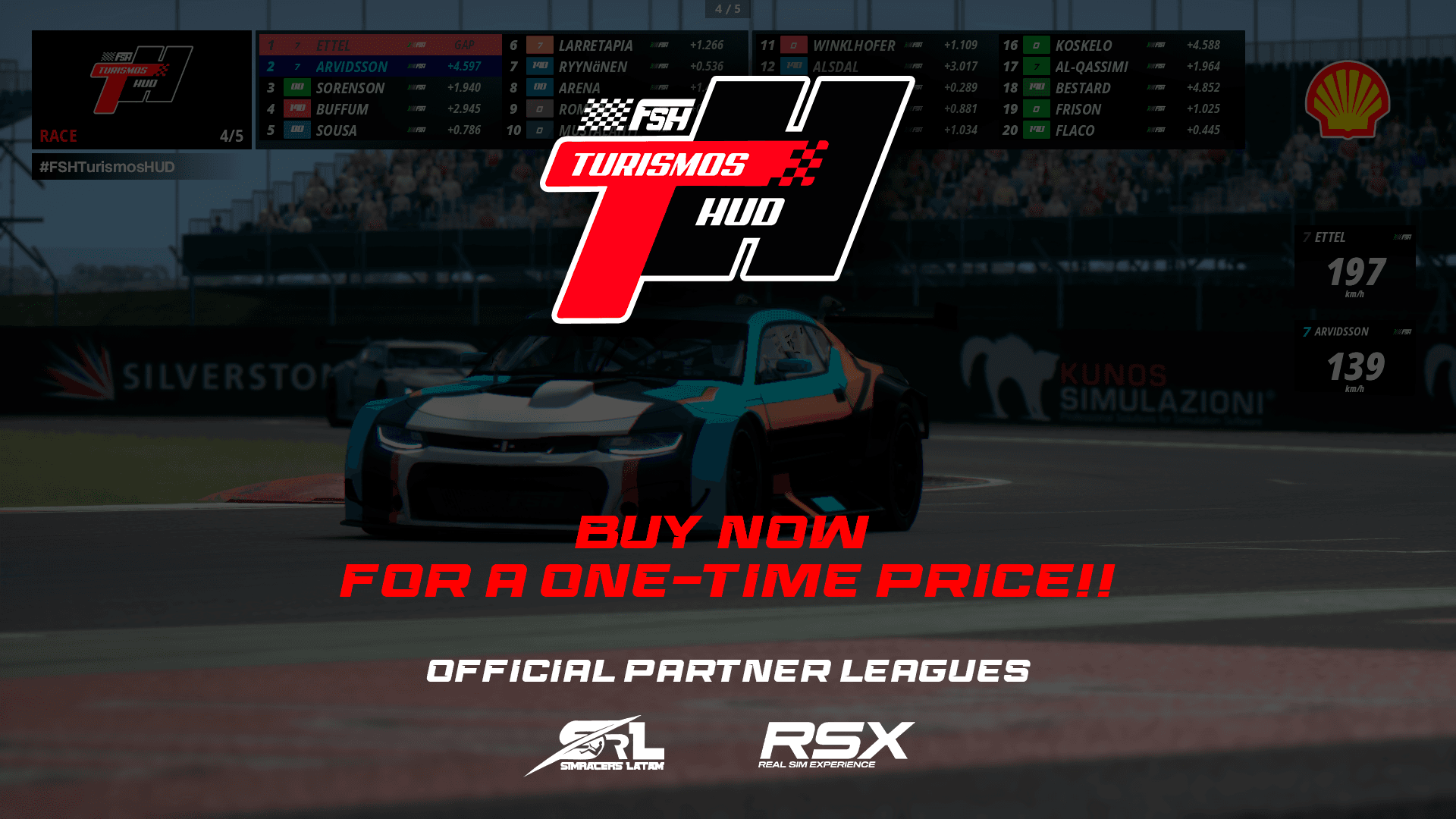
FSH Turismos HUD is designed to pay tribute to the South American categories in Argentina that race using a Leaderboard very similar to this one
$7.00USD
Secure Checkout
Payments are encrypted and processed securely. Instant delivery to your email and library.
About this HUD
This HUD is highly customisable, from the accent colour, logos, sponsors, position and size, to a new addition: the border colour and driver number, which are generated procedurally based on the skin name and driver name.
HUD contains two applications.
Why two and not three like the FSH TV HUD?
This is because we have simplified the use of certain features. For example, to display the speed of selected drivers, it is not necessary to preset an application and move it to a specific point. Simply move the Leaderboard to the position closest to the top and everything will work.Leaderboard- Functions to display the time and GAP of each driver- Shows the fastest lap- By right-clicking, you can see the current speed of that driver. You can select up to two drivers at a time, and to deactivate it, just click again on the previously selected driver- You can change the logo in the leaderboard header. You can select the static logo or activate the carousel of custom sponsor images for this purpose, as well as choosing the type of animation, whether by appearance or horizontal sliding.- You can also add images for a main sponsor on the far right, whose position you can change in X and Y, as well as the scale of this same option.- In the custom text section below the leaderboard, you can add the name of the date or a simple hashtag for your broadcasts and simulations.- Colours for drivers: we procedurally generate colours and contrasts to manage the colour of the box and the driver's number. We do this using the skin name and the driver's name so that each colour is unique (and when you race with those same drivers again, those colours are maintained). You can change the colour trend from the options.Settings- Leaderboard settings such as: lock/pin leaderboard in place, enable or disable driver scrolling.- Highlight the driver being focused on with colour, alternate the gap time to the leader or interval.- Sponsors: you can add up to 10 custom sponsors, change the animation style of the sponsors' appearance, change the scroll frequency between sponsors and enable or disable it, as well as directly select the PNG for the sponsor (you must reopen the application for the PNG files to load). The recommended resolution for sponsors is 500x500.- Appearance settings such as the overall theme colour and background colour are fully customisable.- Finally, there are buttons for keybinds. There are several keybinds that are quite useful for more professional handling by the broadcaster (more keybinds will be added depending on the needs of buyers).Installation processTo install, simply drag the ZIP file into the Content Manager and then click on install.CSP version 0.2.8 or higher is required.
Patch Notes
New version available. This version includes several changes and a new style.First, two new designs have been added: Legacy and Next Gen. What’s the difference? The Legacy design keeps the HUD looking exactly the same as in version 1.1.1, while Next Gen introduces subtle changes based on the actual HUD for this category (you can choose whichever one you prefer).Added-The way the HUD is rendered has been changed; it now stays in its default position upon startup, though you can also adjust its position in the settings.-An easier way to access and change the sizes of both the sponsor logos and the main logo has been added via the Sponsors tab in the settings.-A keybind has been added to hide the leaderboard at the broadcaster’s discretion (just like in a real broadcast)-Functions have been optimized, making the HUD more responsive and using fewer resourcesBug fixed-Bug that prevented Custom Sponsors from working properly and failed to find paths—fixed-Bug that prevented the timing and gap from updating correctly—fixed-Bug with sponsors and their positioning—fixed