
HUD v0.9.9
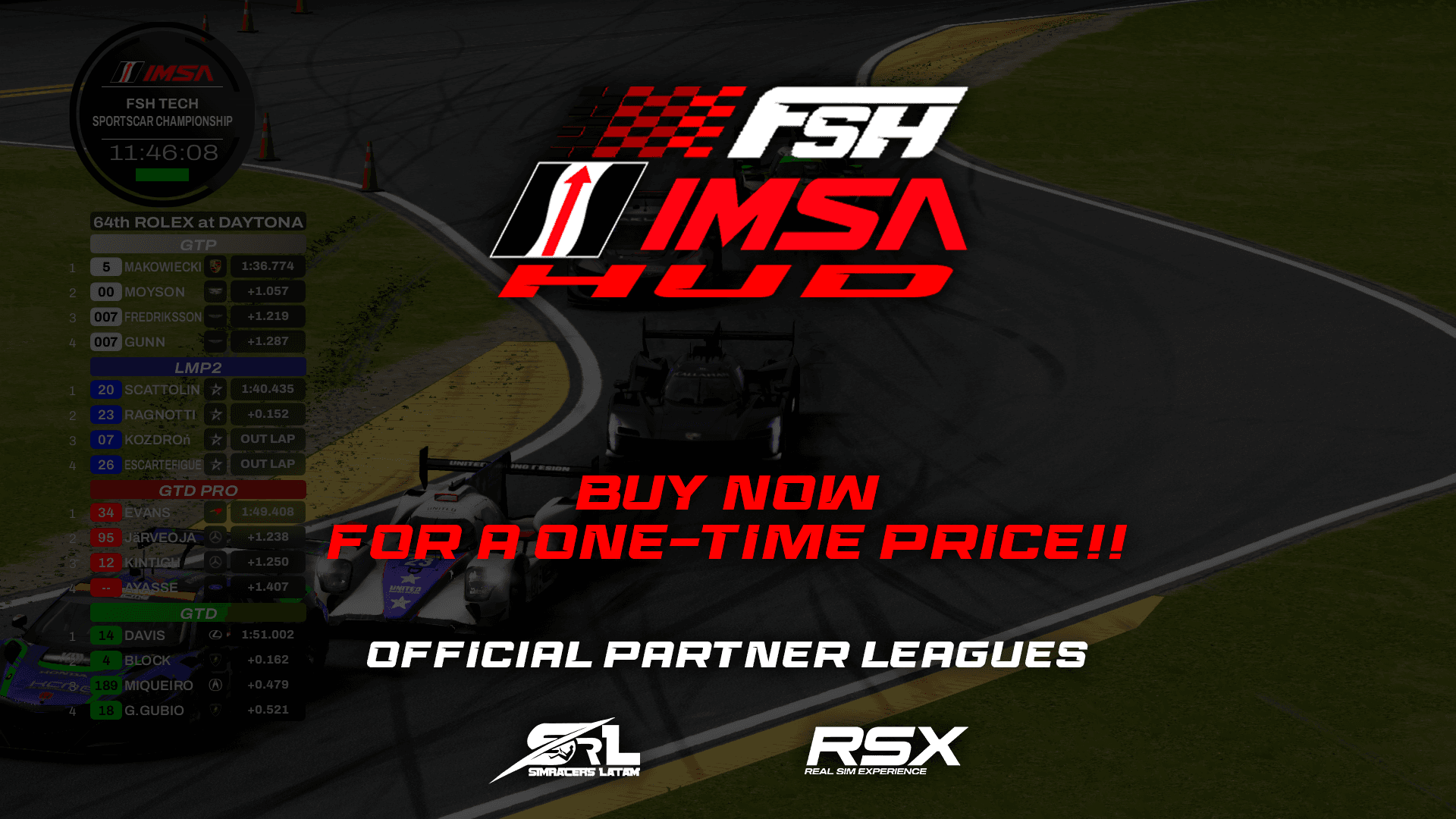
FSH IMSA HUD Broadcast
FSH IMSA HUD is based on the actual real IMSA HUD
$7.00USD
Secure Checkout
Payments are encrypted and processed securely. Instant delivery to your email and library.
About this HUD
It is currently still in development but will be receiving its respective updatesJust like our others HUDS, it contains both the leaderboard application and the settings application where you can customise the HUD and use its keybinds.Contains three different forms-OverallThe 'Overall' mode displays all cars and classes mixed together in the general table.-Per ClassThe 'Per Class' displays the class of the car that is currently selected and shows all cars assigned to that class.-All ClassesThe ‘All Classes’ mode displays all classes that are currently assigned (maximum of 4 classes can be displayed) and not necessarily those that are official IMSA classes.SettingsIn settings, we have several new options. If you own any of our other HUDS, you will know that we have a couple of very good options that are also included in this HUD, but we also have some new features.
Installation processTo install, simply drag the ZIP file into the Content Manager and then click on install.CSP version 0.2.8 or higher is required.
FSH Motorsport Studio is proud to have the official collaboration of its strategic partners.Simracers LATAM (SRL): The logo and name ‘Simracers LATAM’ are the intellectual property of their respective owners and are registered trademarks in the Argentine Republic. Their use in this application is under licence and with the express authorisation granted to FSH.No content in this application should be interpreted as a transfer of ownership rights to these trademarks to FSH Motorsport Studio or any third party.Patch Notes
First, we fixed a major bug that had been present since the creation of our HUDs—one that was bound to cause issues sooner or later. But we’ve resolved it now: the leaderboard and the feature that displays the gap to the leader or the time difference between drivers work 99.9% of the time, whether online or offline.We’ve added a new widget: the “gap and battle for position” widget. To activate it, simply look at one of the cars and right-click on the other car you’re interested in.Bugs Fixed:- Fixed an error with the leaderboard and gaps- Fixed an error in basic data loading- Fixed the functionality of the timinglap widgetFeatures:- New widget added: Time Gap (displays the time, additional driver data, and the gap). It’s activated by right-clicking.- New feature for the horizontal leaderboard: “Fastest Laps” shows that vehicle’s fastest laps of the session (activated with a keybind that can be adjusted in Settings).-When you click on a vehicle, the color of its entry on the leaderboard now matches the class color (you can change this setting in the options menu)